

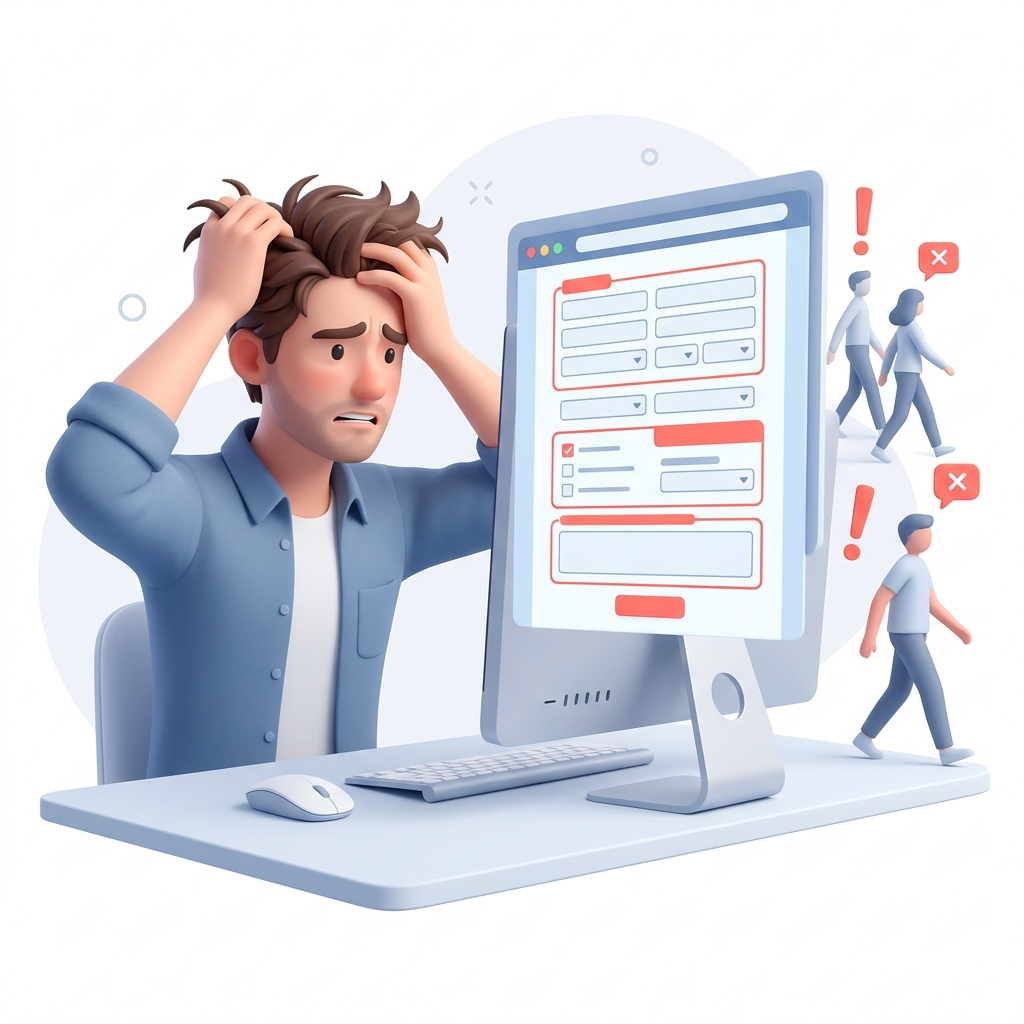
Imagine this: a potential customer visits your website. They are interested in your services, but they have one quick question before buying. They see a traditional contact form asking for their name, email, phone number, and message.
What do they do? Most of the time, they leave. They don't want to wait hours or days for an email reply.
Now imagine they see a simple button that says "Chat on WhatsApp." They tap it, and within seconds, they are messaging you directly on their phone. This simple change is the difference between a bounced visitor and a paying client.
For small businesses in India and Malaysia, WhatsApp is not just a messaging app. It is the primary channel for doing business. If your website is not optimized to drive WhatsApp leads, you are leaving money on the table. Here is exactly how to fix that.
Why Contact Forms Are Failing Small Businesses
People want instant gratification. When a customer in Delhi is looking for a local CA or a bakery in Kuala Lumpur, they want answers immediately.
Traditional contact forms create friction. Customers worry their message will go to a spam folder or that you won't reply fast enough. Furthermore, filling out a multi-field form on a mobile phone is frustrating.
WhatsApp removes this friction. It moves the conversation to a platform your customer already trusts and checks 50 times a day. Once they message you, you instantly capture their phone number. This gives you a direct line to follow up, unlike an email that might never be opened.
Strategy 1: The Sticky Mobile Button
Over 70% of local business searches happen on mobile devices. Your mobile experience must prioritize instant communication.
The most effective way to drive leads is a "sticky" WhatsApp button that stays visible at the bottom of the screen as the user scrolls. This ensures that the moment a visitor is ready to ask a question, the button is right under their thumb.
Do not hide this button inside a complex menu. It should be omnipresent but unobtrusive. When they tap it, it should automatically open their WhatsApp app with a pre-filled message, like: "Hi, I'm interested in your services. Can you help me?"
This small detail saves the user from typing and dramatically increases the chances they actually hit send.
Strategy 2: Contextual Links on Service Pages
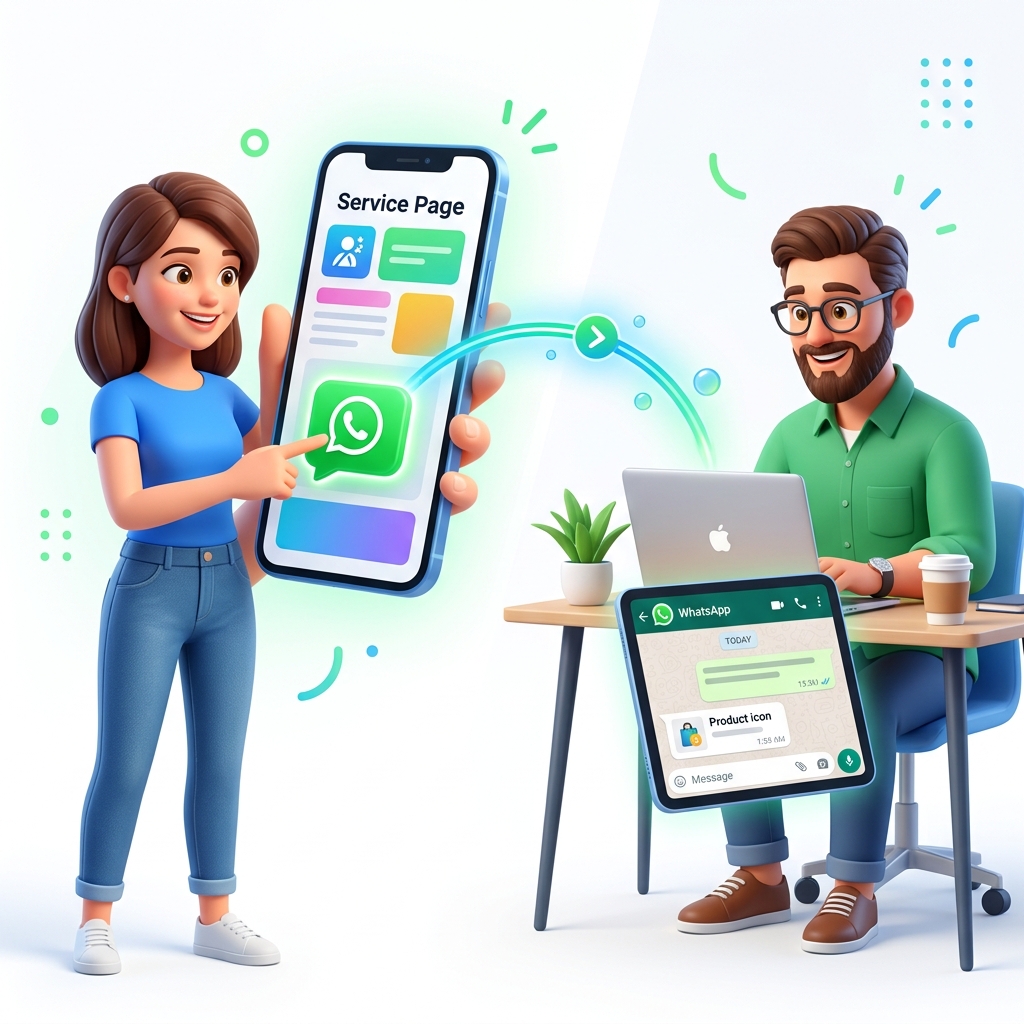
A floating button is great, but contextual links are even better. When a visitor is reading about a specific service on your website, place a WhatsApp CTA right below the pricing or service details.
For example, if you run a web design agency and the user is on your "E-commerce Websites" page, the button should say: "Get a quote for an e-commerce site on WhatsApp."
You can use the wa.me link format to customize the pre-filled message based on the page they are viewing.
https://wa.me/919876543210?text=I%20am%20interested%20in%20an%20e-commerce%20website
This gives you immediate context when you receive the message. You know exactly what they want before you even reply, allowing you to close the deal much faster. If you are struggling with website conversions in general, check our guide on why your website isn't getting leads.
Strategy 3: Replace "Contact Us" with "Chat With Us"
Words matter. The phrase "Contact Us" feels formal, slow, and corporate. It implies forms and emails.
Change your primary calls to action (CTAs) to "Chat With Us," "Ask a Quick Question," or "WhatsApp Us Now." This simple wording change makes your business feel more accessible and human.
If you have a dedicated contact page, put your WhatsApp number front and center. You can still keep a short form for users who prefer email, but make WhatsApp the highlighted, primary option. Tell them exactly when they can expect a reply (e.g., "We typically reply within 15 minutes.").
Strategy 4: Using WhatsApp Business Features
If you are using a personal WhatsApp account for your website leads, you need to switch to the free WhatsApp Business app immediately.
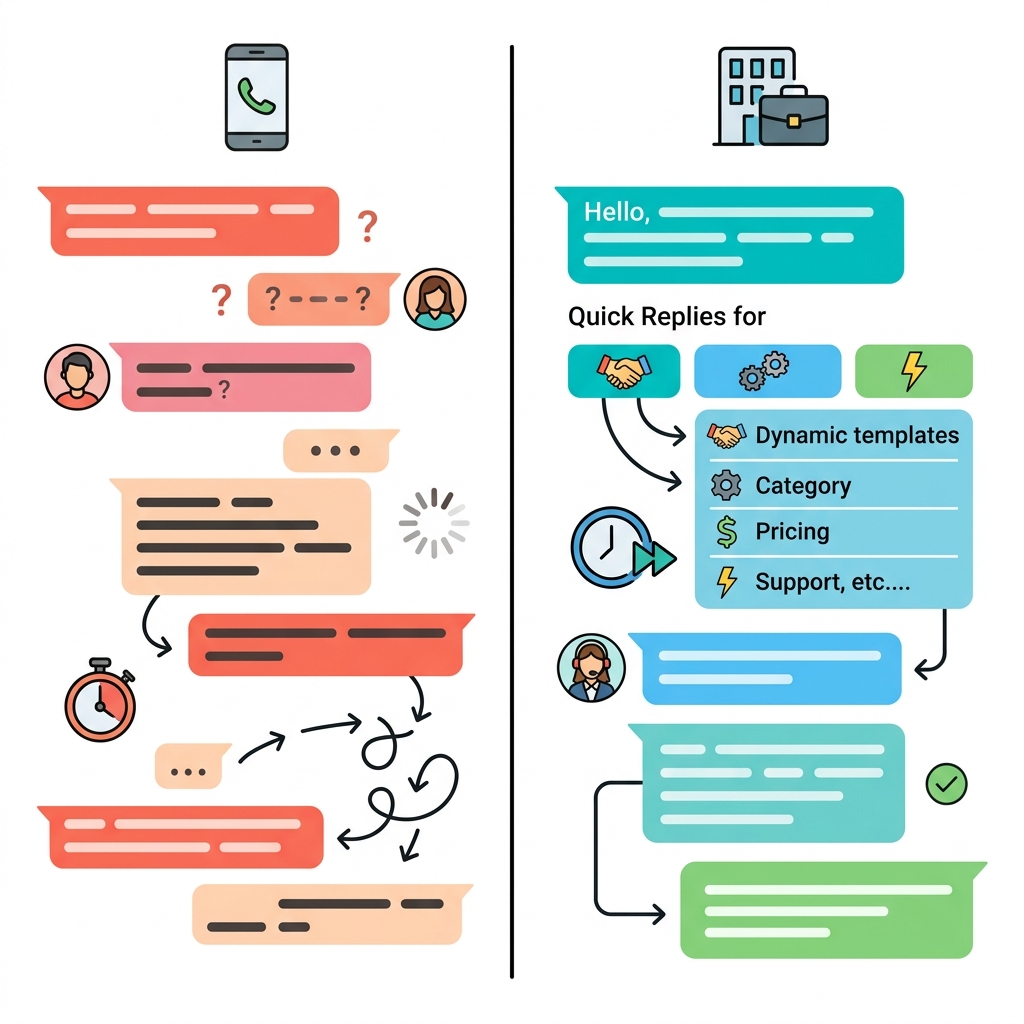
WhatsApp Business provides tools that make you look incredibly professional. You can set up an automated welcome message that instantly replies to new leads from your website. Even if they message you at 2 AM, they receive an immediate acknowledgment.
You can also set up quick replies for frequently asked questions. When a website lead asks for your pricing or location, you can send a detailed, pre-written response with two taps. This speed builds immense trust.
Strategy 5: Track Your WhatsApp Clicks
You cannot improve what you do not measure. You need to know exactly how many people are clicking your WhatsApp links, and which pages are driving those clicks.
You do not need to be a developer to track this. If you use Google Analytics 4, you can set up a custom event to track every time someone clicks a link containing wa.me.
By tracking these clicks, you might discover that your blog posts drive more WhatsApp inquiries than your homepage. This data tells you exactly where to focus your marketing efforts. If you are wondering how website design impacts these clicks, read our analysis on why most small business websites don't rank.
The Speed of Reply is Your Best Sales Tool
Getting the lead is only half the battle. The real magic happens when you reply. In the modern digital economy, the business that replies first usually wins the client.
When a lead comes in from your website via WhatsApp, they are highly motivated. They are likely looking at your competitors' websites at the very same time. If you reply within 5 minutes, you show them you are active, professional, and ready to help.
If you wait 3 hours to reply, they have already found someone else. Treat every WhatsApp ping from your website as a customer walking through your front door. You wouldn't ignore a customer standing in your shop, so don't ignore a WhatsApp lead.
Avoid Heavy WhatsApp Plugins
If you are using WordPress, you will find hundreds of "WhatsApp Chat" plugins. Be very careful. Many of these plugins load heavy JavaScript files that slow down your website.
A slow website frustrates users and hurts your Google rankings. You do not need a bloated plugin to add WhatsApp to your site. A simple HTML link styled with CSS is all you need.
<a href="https://wa.me/919599143235">Chat on WhatsApp</a>
This method is lightweight, fast, and works perfectly on every device. If you are debating which platform is best for your site's performance, see our breakdown of WordPress vs Next.js for SEO.
Common Mistakes to Avoid
One major mistake is displaying a WhatsApp number as plain text without making it a clickable link. Most users will not highlight the number, copy it, open WhatsApp, paste it, and save the contact just to send a message. You must make it a one-click process.
Another mistake is linking to a WhatsApp group instead of a direct chat. Leads want privacy when discussing pricing or their specific needs. Always link directly to your business number.
Finally, do not hide your operating hours. If you turn off your phone at 8 PM, set an away message on WhatsApp Business letting leads know you will reply first thing in the morning.
Turn Traffic into Conversations
Your website shouldn't just be a digital brochure. It should be a lead generation machine. By replacing friction-heavy forms with instant WhatsApp communication, you align with how modern customers actually want to interact.
Start small. Add a sticky mobile button this week and change your primary CTA text. Monitor the difference in inquiries over the next 14 days. You will be surprised at how many silent visitors suddenly start talking to you.
Want Us to Build This For You?
If you want a high-converting website built from the ground up to generate leads, we can help. We specialize in building fast, optimized websites for businesses in India and Malaysia.
Chat with us on WhatsApp right now to discuss your project. We reply fast, and we provide clear, fixed pricing with no hidden fees. Let's start building your digital storefront today.